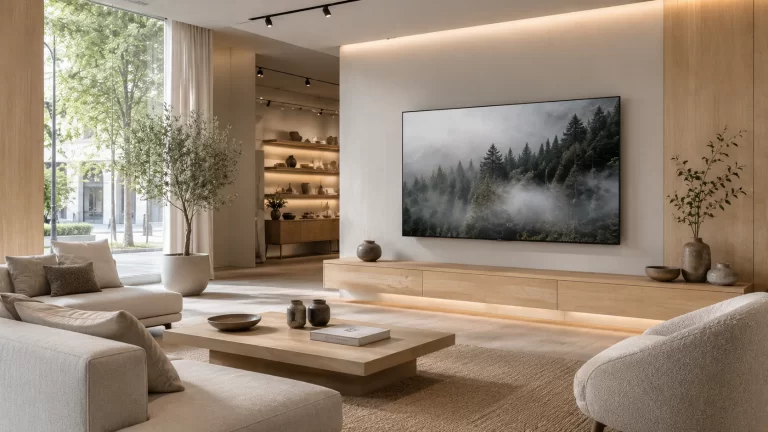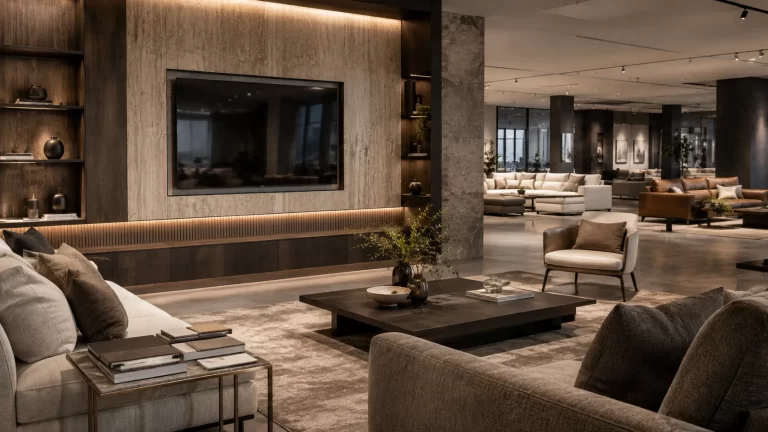
Prop TVs for Media Walls and Store Fixtures

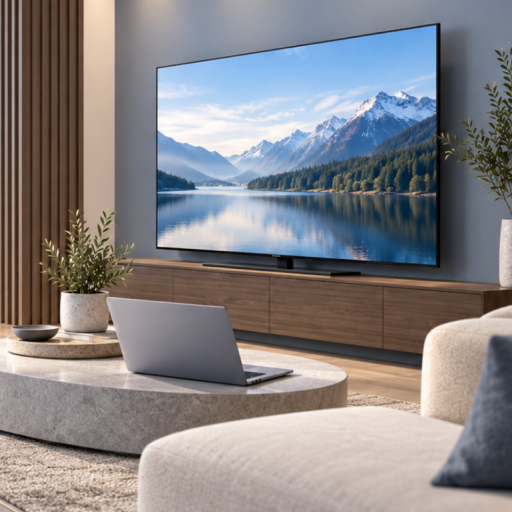
A media wall can look complete in a rendering while leaving an important purchasing decision unresolved: which television model will actually sit inside the display?
For fixture manufacturers, TV cabinet brands and retail display teams, specifying that component early helps connect the design drawing with the finished room setting. The screen outline, rear profile and support arrangement all affect the result.
Prop TVs for media walls are non-functional display components for projects that need the appearance of a television. This guide explains what to confirm before approving a model for a cabinet, feature wall or showroom fixture. Explore the Prop TV range as a starting point, then review the exact model against your design.
Define What the TV Must Show
Start with the purpose of the installation. A furniture showroom may need to show the relationship between a television and a media unit. A fixture company may need a physical display for a client presentation. A temporary exhibition may need a repeatable room composition.
In these settings, the prop’s job is visual: establish scale, complete the furniture arrangement and communicate how the space is used. Demonstrations involving live video, working controls or connected equipment require functioning devices.
| Display application | Main question to resolve |
|---|---|
| Media wall or recessed display | How does the complete TV outline fit the opening, surrounding panels and shelving? |
| TV cabinet or entertainment unit | Does the selected screen and support arrangement suit the cabinet’s usable surface? |
| Fixture showroom or client mock-up | Which front, side and rear details will visitors be able to see? |
| Exhibition or temporary room setting | How will the approved model be identified, transported and reassembled for the next display? |
Record the intended display method alongside the application. A request for “one 65-inch dummy TV” leaves several decisions open if the fixture design depends on a particular stand, rear attachment or overall depth.
Confirm the Model’s Overall Dimensions
The nominal inch size describes the screen diagonal. Fixture drawings also need the selected model’s overall width, height and depth, including the frame and any support parts used in the display.
Use the Prop TV Size Guide to compare initial size options. Its screen-area estimates are useful for visual planning; request model-specific external measurements before finalizing an opening or cabinet layout.
For a recessed setting, show the usable opening and any surrounding elements that could affect positioning or access. For a cabinet display, show the available top surface and the intended TV location. Include the front elevation and side view if the rear profile matters to the composition.
Confirm whether the dimensions supplied describe the body alone or the complete tabletop configuration. Give each drawing a revision number so the fixture team and supplier can refer to the same layout.
Review the Support Arrangement Before Approving the Fixture
Wall display and tabletop display require different information. Establish which arrangement the project needs before selecting accessories or approving fabrication details.
Wall-mounted and fixture-mounted displays
Provide the proposed bracket, stand or fixture-support details, together with the selected prop TV model. Ask for the model’s actual attachment arrangement and weight, then review the interface with the company responsible for the supporting system.
Useful information includes a rear-view photograph or drawing, attachment-point positions, support model identification and a list of the parts included with the order. Screen size alone does not establish mounting compatibility.
A prop TV may be considered for a visual mounting demonstration once the arrangement has been confirmed. Demonstrating the load performance of a bracket or stand requires the support manufacturer’s specified evaluation process.
Tabletop and TV cabinet displays
Check the footprint and position of the selected feet or stand against the cabinet surface. Include the full display height when reviewing shelves, artwork or wall panels above it.
If the same TV cabinet will appear in several room settings, use the approved support configuration as part of the specification. Changing the feet or stand later can alter both the outline and placement of the display.
Review the Screen and Finish Under Showroom Lighting
The TV’s appearance should work with the furniture collection and the way the fixture is presented. Consider the frame finish, screen appearance and any side or rear surfaces visible from the customer aisle.
A black-screen presentation and a static scenic image create different focal points. Review the choice with the actual wood tones, upholstery, wall finish and lighting. If custom screen artwork is required, agree the image, orientation and artwork version before approval; availability and production requirements depend on the model and order.
Photograph the proposed display from the main customer approach and the intended catalogue or project-photography position. The showroom project gallery can help your team discuss composition, while your own fixture drawing remains the reference for fit.
Approve a Reference Display and Keep a Specification Record
For a new fixture design, discuss sample evaluation before committing to repeated installations. Confirm the sample cost, shipping and available configuration as part of that enquiry.
Review the selected model in a representative setting where possible. Record what was approved so the purchasing team can order the same configuration that the designer reviewed.
| Specification field | What to record |
|---|---|
| Project reference | Fixture name, drawing revision and intended room setting |
| TV identification | Supplier model reference and nominal screen size |
| Physical outline | Confirmed external dimensions and model weight; state whether support parts are included |
| Support arrangement | Wall or tabletop configuration, support reference and agreed attachment details |
| Visual appearance | Frame finish, screen treatment and approved artwork version, if applicable |
| Supplied items | Feet, stand, hardware or other loose parts specifically included in the quotation |
| Approval evidence | Reference photographs and the date the configuration was accepted |
| Changes to review | Any later change to the prop model, support parts, artwork or fixture drawing |
This can be a simple shared document. What matters is that the designer, fixture manufacturer and buyer use the same reference when discussing the order.
Convert the Approved Design into an Order Schedule
Once the display is accepted, connect the model reference to the quantity and destination. Give each distinct TV configuration its own order line, particularly where different cabinets or media walls require different sizes or screen appearances.
Include:
- The fixture or room-setting reference linked to each TV model.
- Quantities for installation and any requested spare units, listed separately.
- The approved display method and included support parts.
- Delivery country, city or postal code, and receiving location.
- The required arrival date and any phased delivery requirements.
For larger models, ask for the packed dimensions and shipping arrangement as part of the quotation. Check whether delivery is to a workshop, warehouse or finished showroom, because the receiving requirements may differ.
For a later order, send the previous model reference and approved specification again. Ask the supplier to confirm current availability and any changes before relying on the earlier configuration. The Prop TV quotation checklist covers the wider information needed to prepare a project enquiry.
Questions from Fixture and Display Teams
Can a prop TV be specified for a recessed media wall?
It can be considered for a visual display. Share the opening dimensions, fixture drawing and intended support arrangement so the exact model can be reviewed. The screen diagonal is only the starting point for checking fit.
Can the same model be used on a cabinet and on a wall?
Ask for confirmation of the available configurations for that model. Record the parts and overall dimensions for each arrangement if the project uses both.
What if the bracket or support system is already selected?
Send its model reference or drawing with the prop TV enquiry. Review the exact attachment interface before ordering; a matching nominal TV size is insufficient to confirm the connection.
Can we specify one screen appearance across several installations?
Share the required appearance and quantities so the available options can be reviewed. For custom artwork, keep the approved file version in the project record and confirm the requirements for subsequent orders.
Should we order a sample for a new fixture design?
A sample can help your team assess appearance, physical fit and the proposed configuration. Discuss the intended review with YIJIA Props, then confirm the sample specification, charges and delivery arrangements before proceeding.
Request a Prop TV Review for Your Fixture Project
If you manufacture media walls, TV cabinets or retail display fixtures, send YIJIA Props the layout and the TV’s intended role in the presentation. We can review suitable prop TV options and prepare a quotation around the confirmed requirements.
Include your company name, fixture type, shortlisted TV sizes, display method, quantities and delivery destination. A front elevation, cabinet measurements and a side or rear view of the support arrangement will make the discussion more specific.
Request a Prop TV Specification Review
Send drawings or reference photographs by email to [email protected], or share your display requirements on WhatsApp.