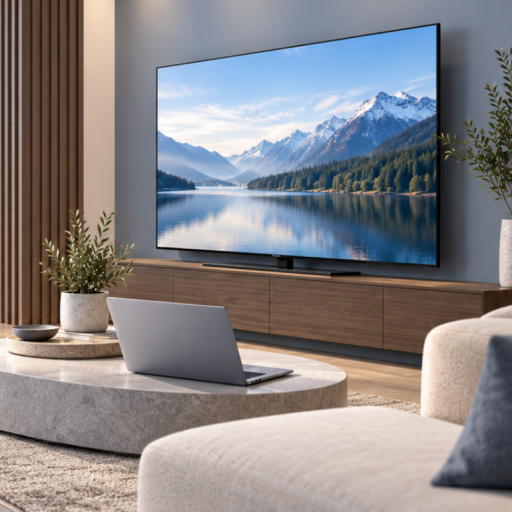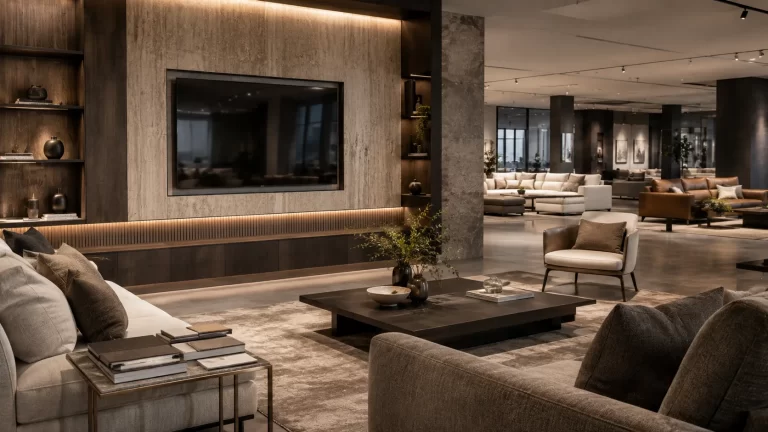
Dummy TV Showroom Operations & Maintenance Guide for Furniture Retailers
A practical operations guide for furniture retailers using non-functional dummy TVs, covering daily display checks, physical care, seasonal refreshes, asset tracking and replacement supply.

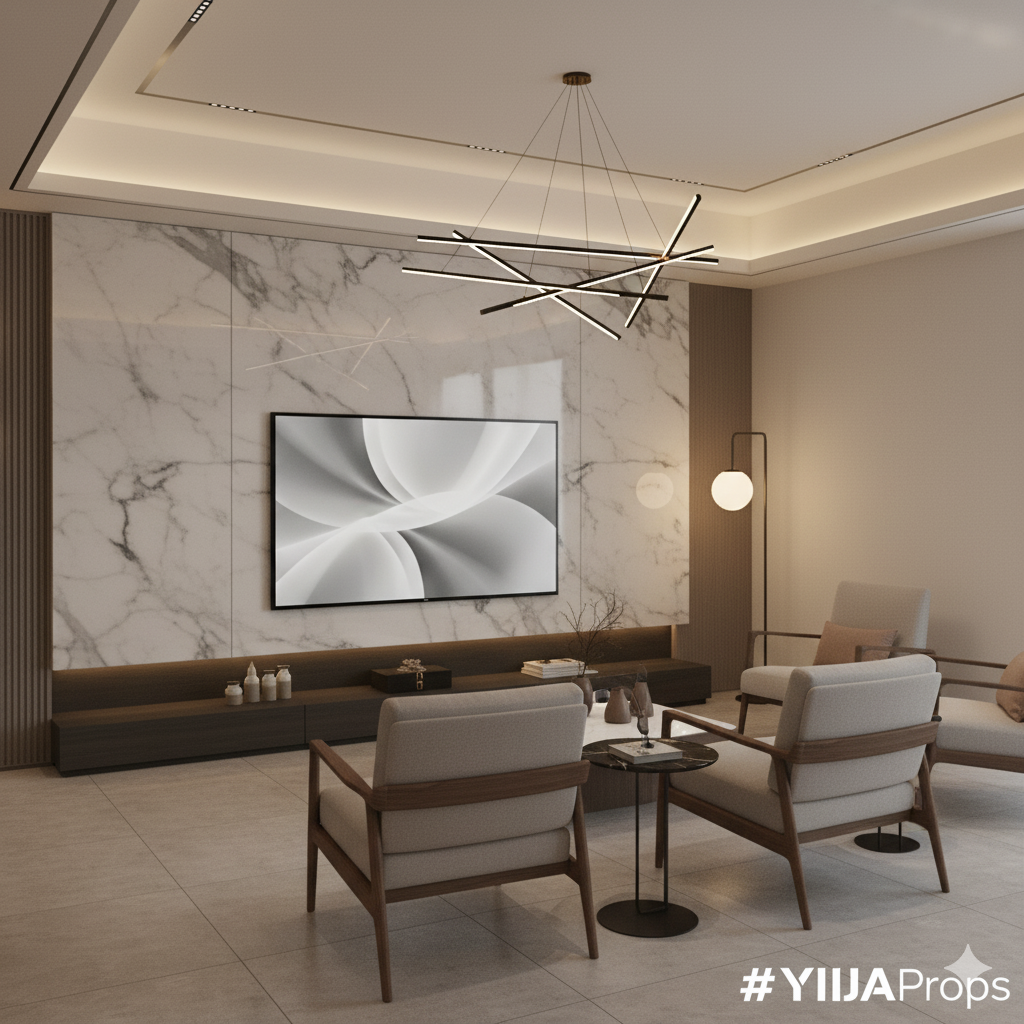
Furniture showrooms need to look consistent every day, not just on the day a new display is installed.
For furniture retailers, the challenge is maintaining room settings that remain attractive, safe, and aligned with the approved merchandising concept throughout their use.
A sofa may be moved, a media cabinet may be replaced, lighting may change, and new furniture collections may arrive. Every change can affect the appearance of the surrounding display props.
Non-functional dummy TVs offer a practical way to complete these interiors without the electronic operation required by real televisions.
But non-functional does not mean that physical inspection, cleaning and handling can be ignored.
This guide explains how furniture showroom teams can manage dummy TV displays, maintain consistent presentation standards and plan replacement requirements across single stores or larger retail networks.
1. Why Dummy TV Operations Matter in Furniture Showrooms
A working television and a non-functional dummy TV have different operational requirements.
Real televisions may require electricity, content setup, remote controls, software updates, and electronic troubleshooting.
A YIJIA dummy TV does not perform these electronic functions.
Its purpose is to maintain the visual appearance of a television within a staged room.
That removes the need for electronic operation, but the physical display still needs appropriate care.
Retail Operations teams should consider:
- Whether the model remains securely positioned
- Whether the surface and frame are clean
- Whether the static screen artwork is undamaged
- Whether nearby furniture changes affect visual balance
- Whether the approved model is still suitable for the room
- Whether any replacement or relocation is required
For readers deciding which type of product suits their store, our Real TV vs Dummy TV comparison guide explains the difference between functional displays and non-functional staging models.
This article focuses on what happens after the dummy TV has been installed.
2. Establish a Simple Daily Showroom Display Check
Routine visual checks can help stores identify small problems before they affect the complete display.
The process does not need to be complicated.
A team member responsible for opening or preparing the showroom can review the displays as part of normal store presentation duties.
Visual Appearance
Look for obvious marks, scratches, damaged corners, or problems with the static screen surface.
Check whether the display looks clean and appropriate within the furniture setting.
Placement
Confirm that the television remains in its approved position.
A tabletop display should not be left unstable, and a wall-mounted display should not appear loose, tilted unexpectedly, or displaced.
If there are concerns about stability or mounting integrity, prevent customer access to the affected area and refer the issue to the appropriate qualified personnel.
Furniture Arrangement
Check whether nearby cabinets, sofas, accessories, or lighting have been moved.
A change in the furniture arrangement may require a review of the display’s proportions or position.
Customer Access
Make sure the prop and supporting furniture do not obstruct a customer walkway or create an avoidable contact or tipping hazard.
The exact inspection frequency should reflect the store’s usage conditions and risk assessment.
3. How to Clean and Care for a Non-Functional Prop TV
Routine cleaning is part of physical display maintenance.
Dust, fingerprints, and handling marks can make an otherwise realistic product look neglected.
However, a dummy TV should not automatically be cleaned using the same products or methods as a consumer electronic television.
Its surface materials, decorative finish and static screen artwork may be different.
Follow the Model-Specific Cleaning Instructions
Before cleaning, confirm which methods are approved for the actual model.
Where permitted, a clean, soft cloth can be considered for routine dust removal.
Avoid abrasive tools and unapproved chemicals that might scratch the surface, damage the finish, or affect printed artwork.
Do not apply liquids directly to the display unless the supplier’s instructions explicitly permit the method.
Protect the Visible Frame
Pay particular attention to the frame corners and exposed edges.
Repeated contact with accessories, furniture, or cleaning equipment may damage decorative finishes.
Inspect After Cleaning
Check whether the product’s appearance remains consistent with the approved display standard.
If cleaning reveals damage to the static screen artwork or surface finish, record the issue for review instead of attempting an unapproved repair.
Keep Cleaning Instructions Available
For multi-store programmes, the approved cleaning method should be documented and shared with the teams responsible for the displays.
This helps prevent different locations from using conflicting procedures.
4. Check Wall-Mounted and Tabletop Displays Separately
A dummy TV’s installation method affects how it should be monitored.
Wall-Mounted Prop TVs
For wall-mounted displays, the store team should visually check whether the product appears secure and correctly positioned.
Any suspected movement, looseness, damaged mounting component, or wall deterioration requires appropriate follow-up.
The actual mounting hardware, attachment points, product weight and supporting structure must be considered.
Do not assume that a non-functional or lightweight design makes a product automatically safe to install.
Mounting inspections, adjustments and repairs should be carried out by appropriately qualified personnel following the approved installation requirements.
Tabletop Prop TVs
For tabletop displays, review the supporting surface, stand position and surrounding customer circulation.
A television prop should not extend into an unsafe position where it is easily knocked or pulled.
If the media cabinet is replaced, confirm that the new surface provides appropriate support before repositioning the model.
After a Display Change
Whenever the TV or supporting furniture is relocated, repeat the applicable placement and stability checks.
For more detailed model selection and installation criteria, read our Prop TV models and quality checklist.
5. Maintain Consistent Static Screen Artwork
One operational advantage of non-functional Prop TVs is that their screen presentation remains static.
There are no streaming applications, programme changes, notifications or standby screens to manage.
This can support a controlled furniture showroom appearance.
However, the selected artwork may still need to be reviewed when merchandising concepts change.
For example, a furniture retailer may introduce a new collection with a different colour palette.
The previously approved screen image may no longer complement the surrounding furniture.
Before requesting a new display graphic or model, confirm:
- The approved image or artwork reference
- The intended furniture collection
- The selected TV model and size
- The current screen condition
- The lighting and viewing environment
- Whether the required appearance can be supplied
A non-functional Prop TV cannot change its screen image electronically.
Artwork changes may require a different physical graphic, replacement component, or another model-specific solution.
Any available artwork customisation or replacement arrangement should be confirmed with the supplier.
6. Plan Seasonal Showroom Refreshes Without Unnecessary Replacement
Furniture showrooms regularly update their displays to introduce new collections, adjust room concepts and improve customer presentation.
A dummy TV that was appropriate for one room setting may remain suitable for another.
Before ordering new equipment, review whether an existing prop can be reused.
A practical refresh process involves four stages.
Stage 1: Review the Existing Display
Record the current model, size, finish, artwork and condition.
Take photographs of the complete room setting.
Stage 2: Evaluate the New Furniture Arrangement
Compare the TV’s overall dimensions with the proposed media cabinet, wall area and seating arrangement.
Consider whether the static artwork suits the new concept.
Stage 3: Decide Whether to Retain, Relocate or Replace
Retain: Keep the prop in the current display when the specification remains suitable.
Relocate: Move it to another approved room setting when it can be safely handled and installed.
Replace: Request a suitable alternative when the model is damaged, incompatible or visually inappropriate for the new design.
Stage 4: Update the Store Record
Document the product’s new position, approved room category and any changes to installation or condition.
For inspiration on how television props can support different arrangements, explore our furniture showroom project gallery.
7. Create a Dummy TV Asset Register for Every Store
A simple asset register can help furniture retailers keep track of display props across changing showroom layouts.
The system does not need to be complex.
A shared spreadsheet may be sufficient for a smaller project, while a larger retailer may prefer to use its existing asset or store-operations system.
A useful register can include:
| Field | Information |
|---|---|
| Store ID | Retail location or showroom code |
| Display ID | Unique reference for the prop |
| Model | Approved product reference |
| TV Size | Nominal screen diagonal |
| Finish | Frame and screen configuration |
| Location | Room setting or display zone |
| Installation | Wall-mounted or tabletop |
| Condition | Approved, review required or out of service |
| Last Check | Date of last recorded inspection |
| Next Action | Retain, clean, relocate or replace |
Photographs and purchase references can be added where useful.
Avoid relying only on descriptions such as “large black TV” or “living-room television.”
A clear reference makes it easier to identify the correct model when stores request replacement units.
8. Establish a Replacement and Replenishment Process
Even non-functional props may eventually require replacement because of physical damage, design changes, or new showroom requirements.
A practical process should distinguish between three common situations.
Damaged Display
Document the visible problem, affected model and current installation condition.
If damage creates an apparent stability or safety concern, restrict access and arrange the appropriate assessment before the display is used again.
Model No Longer Fits the Room
A television may be physically sound but visually unsuitable after a furniture collection or cabinet has changed.
Review whether another approved model size would better suit the setting.
Additional Store Requirement
A new furniture collection, display zone, or store opening may require additional units.
Use the approved specification and quantity schedule rather than selecting a different model without review.
For each replacement request, record:
- Store and display location
- Existing model reference
- Reason for replacement
- Required quantity
- Approved finish and screen artwork
- Installation configuration
- Delivery destination
- Target date
This information helps Procurement and the supplier evaluate a replacement or replenishment enquiry.
9. Standardise Display Operations Across Multiple Furniture Stores
For retailers operating several locations, the challenge is maintaining an approved presentation standard over time.
A headquarters team may create the original display guidelines, but each store is responsible for applying them in its own environment.
A coordinated operating standard can establish:
Approved Products
Which model sizes and finishes are authorised for each room category?
Cleaning Instructions
What care methods are permitted for each product type?
Inspection Responsibilities
Who checks display appearance and reports problems?
Relocation Rules
When can a prop be moved to another room or store, and what approvals are required?
Replacement Requests
How should an individual store request additional or replacement units?
Reference Photography
What should the completed display look like?
Our showroom display solutions explain how approved display specifications can support different furniture showroom formats.
These standards should be adapted to each retailer’s operational needs rather than treated as a universal programme.
10. Define Responsibilities Across Store Teams
Consistent display operations require clear ownership.
A suggested division of responsibilities is:
| Team | Suggested Responsibility |
|---|---|
| Store Operations | Routine presentation checks and issue reporting |
| Visual Merchandising | Artwork, placement and room-setting approval |
| Store Planning | Installation conditions and spatial requirements |
| Procurement | Replacement orders and supplier coordination |
| Distribution | Receiving and internal movement of products |
| Approved Installer | Installation checks and corrective mounting work |
The exact structure will depend on the retailer.
The important point is that each reported issue should have an owner and an agreed next action.
For example, Store Operations should not be expected to decide whether an unfamiliar wall bracket is compatible with a replacement model.
That question belongs in the appropriate technical installation review.
11. Measure Showroom Display Condition and Replacement Needs
A furniture group can improve its display operations by tracking a small number of practical measures.
Useful indicators include:
Display Condition
How many active props meet the agreed visual presentation standard?
Open Issues
How many displays have damage, placement, or installation concerns that still need resolution?
Replacement Demand
Which models and sizes are requested most frequently?
Store Readiness
Are approved props available before planned furniture collection changes or store openings?
Specification Consistency
Do replacement products match the agreed model, finish, and artwork requirements?
Issue Resolution
Are reported concerns being reviewed and closed according to the retailer’s procedures?
These are operational indicators.
They should not be presented as evidence that dummy TVs independently increase furniture sales or customer conversion without supporting data.
12. From Display Maintenance to a Long-Term Supply Programme
When a furniture group operates many stores, replacement and replenishment requirements may become recurring.
Instead of treating every request as an unrelated purchase, the retailer can maintain an approved list of display models and standard quotation information.
This may make it easier to plan:
- Replacement units for damaged displays
- Additional products for showroom expansion
- New sizes for updated furniture collections
- Approved artwork or finish changes
- Central warehouse replenishment
- Store-specific delivery requirements
- Future multi-store display updates
Product availability, pricing and delivery conditions still need to be confirmed for the relevant orders.
For details on quantity planning, pricing variables and international shipping, read our Dummy TV Bulk Buying & Pricing Guide.
A long-term supply arrangement should be built around clear specifications and actual project requirements rather than assumptions about guaranteed stock or fixed lead times.
Frequently Asked Questions
Do dummy TVs require maintenance?
They do not require electronic operation, software updates, or screen-content management. However, physical cleaning, condition checks and installation monitoring may still be needed.
Can store staff clean dummy TV screens?
Store staff should follow the approved cleaning instructions for the exact product. Avoid unapproved chemicals, abrasive tools and cleaning methods that could damage the static display surface.
Are dummy TVs always safer than real televisions?
Not automatically. A non-functional model removes certain electrical operating requirements, but physical stability, mounting integrity, handling and customer access must still be considered.
Can a dummy TV be moved to another showroom?
Relocation may be possible when the model is suitable for the new room, and the correct handling and installation requirements are followed.
Can static screen artwork be updated seasonally?
A dummy TV does not support electronic image changes. Alternative artwork or replacement options depend on the selected model and the supplier’s available configurations.
Should multi-store furniture retailers keep replacement dummy TVs in stock?
That depends on the number of locations, replacement frequency, available storage, product availability, and lead times. A documented model list and demand history can help buyers assess whether holding spare units is worthwhile.
What information is required when requesting a replacement?
Provide the existing model reference, size, finish, artwork, quantity, reason for replacement, installation configuration and destination.
Can YIJIA discuss repeat purchases for a furniture retail network?
Repeat and multi-location requirements can be reviewed using agreed product specifications, expected quantities and delivery destinations. Any ongoing supply terms should be confirmed commercially.
Keep Your Furniture Showroom Displays Consistent with YIJIA Props
A successful furniture display programme does not end when the products are installed.
Retailers need to maintain the intended visual appearance, identify changing requirements and coordinate suitable replacements as their showroom collections evolve.
Non-functional Prop TVs can reduce the need for electronic operation while supporting realistic and consistent room settings.
YIJIA Props supplies professional Prop TV models for furniture showrooms, model homes and visual staging projects.
Whether you are replacing individual showroom props, preparing a seasonal furniture refresh, or reviewing recurring display requirements for multiple stores, our team can discuss suitable models and supply arrangements.
Explore our professional Prop TV collection to review available display options.
Request a showroom replacement and supply quote with your current model references, required sizes, quantities, installation preferences, receiving locations, and target delivery dates.
A clear specification is the first step toward keeping your displays consistent as your retail network evolves.